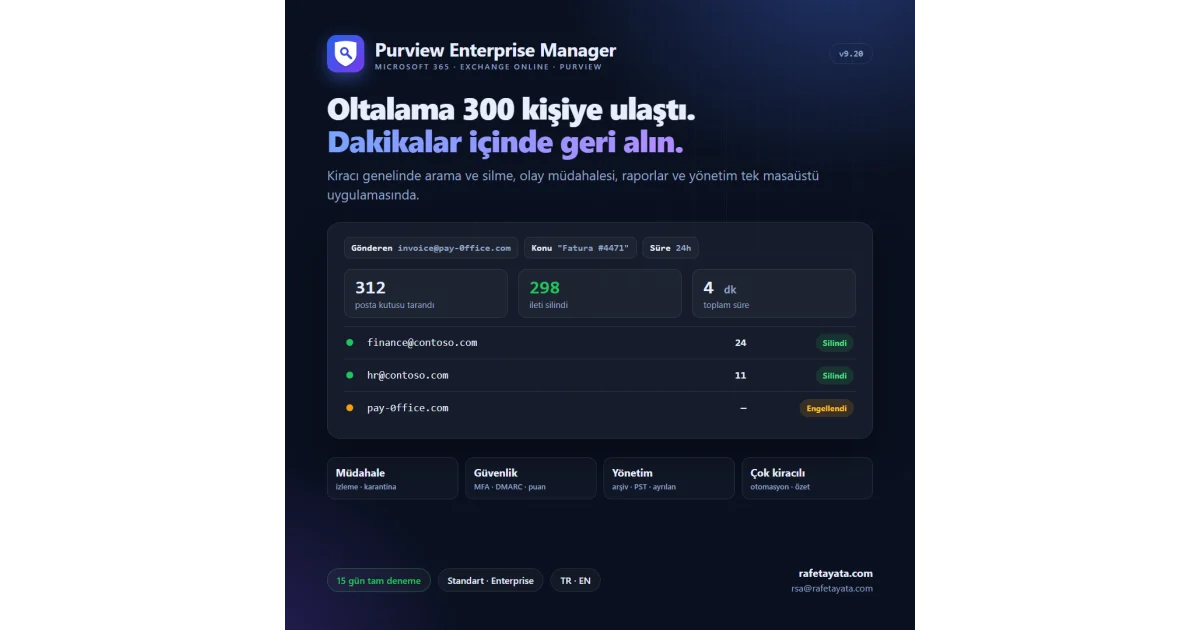
️ A phishing email just reached 300 people. How many minutes until it's gone from every mailbox?
In Microsoft 365 that means several Purview portal screens, dozens of PowerShell commands and a lot of waiting. During an incident every minute counts.
That's why I built Purview Enterprise Manager: one desktop app for day-to-day Exchange Online and Microsoft Purview administration.
✅ Tenant-wide search and purge: find by sender, subject, date; preview; remove in one click
✅ Incident response: message trace, block list, quarantine (release / delete row by row)
✅ Account security: revoke sessions, block sign-in, audit suspicious inbox rules and forwarding
✅ Reports: MFA status, license usage, inactive accounts, mailbox sizes, OneDrive, Secure Score
✅ Domain security: MX, SPF, DKIM, DMARC checks with recommendations
✅ Management: shared mailboxes, groups, automatic replies, litigation hold, archive, PST export
✅ Offboarding wizard: block the account, forward mail, reclaim licenses, get a report
✅ Multi-tenant: every customer's security summary on one screen; certificate sign-in and scheduled report tasks
✅ Permissions & roles: grant and revoke the Graph and Exchange permissions you need from inside the app
✅ Signed automatic updates, Turkish and English UI
🆓 15-day trial with every feature open. Standard and Enterprise editions; machine-bound license, no internet needed to activate.
📥 Download: https://rafetayata.com/programs/purviewmanager/PurviewManagerSetup-v9.20.0.exe
📩 Demo, licensing and feedback: rsa@rafetayata.com
Happy to talk with IT teams and service providers who run Microsoft 365. 🙌
Purview Enterprise Manager v9.20.0
2Downloads
11Views
59.9 MBSize
9.20.0Version
Download Program
SHA-256: 4ce012c7e3097cbfb6d42f24a593d9880197ef91b164d96f45de535268241801
To verify the downloaded file (Windows): certutil -hashfile <file> SHA256
Others